Celebrating the Ninth Year: A Golden Design Asset
Every anniversary tells a story, and the ninth wedding anniversary is a fascinating chapter where traditional pottery meets modern leather. But for designers and creative entrepreneurs, the visual representation of this milestone often requires something more specific—a blend of celebration and sophistication. This is where the concept of a "Green Number 9 and Golden Wedding Rings" becomes a powerful visual tool. It is more than just a graphic; it is a ready-made narrative of growth, endurance, and luxury, captured in a single, editable design file.
Visual Harmony and Symbolic Depth
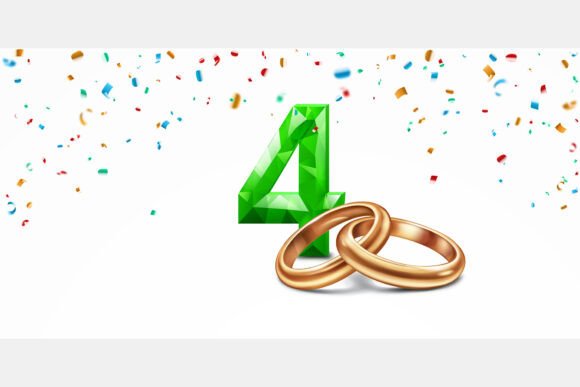
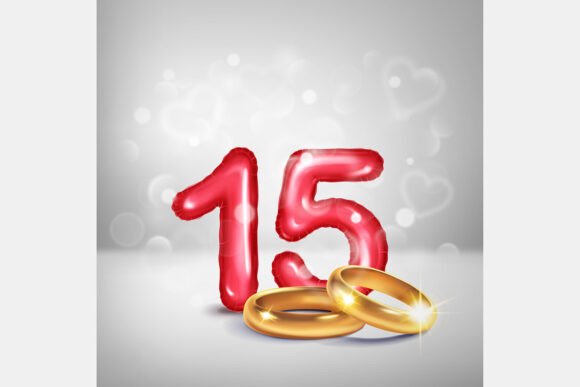
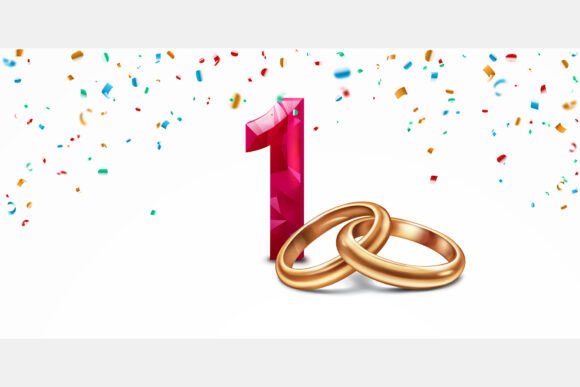
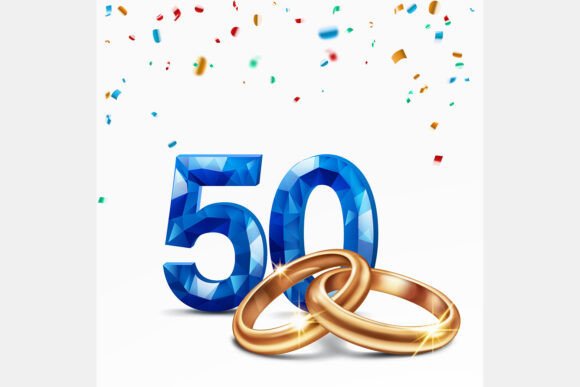
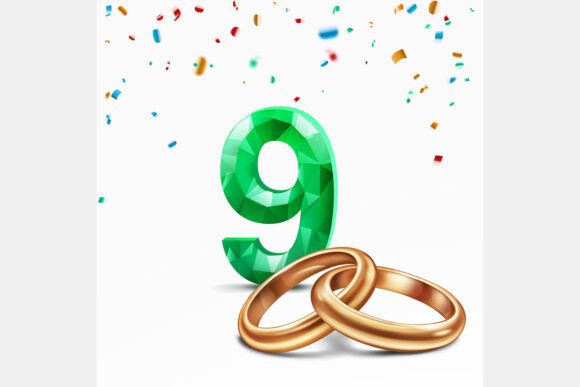
At first glance, the combination of a faceted green number and intertwined golden rings creates an immediate sense of elegance. The green, often associated with renewal, growth, and the traditional pottery gift, is rendered in a faceted style that gives it a modern, gem-like quality. This isn't a flat, simple digit; it has depth, texture, and a sense of value that makes it feel premium. Paired with the universally recognized symbol of marital union—the golden wedding rings—the graphic becomes instantly meaningful. The rings, intertwined and gleaming, suggest connection and durability.
The surrounding colorful confetti adds a layer of joy and festivity, preventing the design from feeling too solemn. It’s a celebration, after all. This balance is key to its appeal. The design manages to feel both significant and celebratory, making it suitable for a wide range of projects that need to convey a message of achievement, partnership, or a special nine-year milestone. The white background ensures it pops in any context, from digital screens to printed materials.
Practical Applications for Designers and Businesses
The true value of a design asset lies in its versatility. This particular vector illustration and high-resolution JPG set opens up numerous possibilities. For a graphic designer, it’s a time-saver and a quality booster. Instead of spending hours crafting a similar scene from scratch, you have a professional foundation to build upon. Here’s how it can be integrated into various projects:
- Branding and Logo Design: For businesses in the wedding industry—planners, photographers, gift shops, or anniversary-themed services—this asset can be a cornerstone. It can inspire a logo mark, be used on business cards, or serve as a secondary branding element for anniversary promotions.
- Packaging and Merchandise: Imagine a gift box for a ninth-anniversary present, a greeting card line, or even custom merchandise like mugs or tote bags. The design is perfectly suited for packaging that needs to feel special and commemorative.
- Digital Presence: Social media graphics for announcements, website banners for anniversary sales, or blog post headers for articles about milestone celebrations. The high-resolution JPG (4167x4167 pixels) ensures it looks sharp on any platform, while the editable EPS file allows for resizing and color adjustments without quality loss.
- Print Materials: Posters for anniversary events, invitations to a celebration party, or editorial layouts in magazines and wedding publications. The vector nature of the EPS file means it can be scaled to billboard size if needed, maintaining perfect clarity.
- Marketing and Digital Products: Use it in email marketing campaigns for anniversary-related businesses, as a decorative element in digital planners, or as part of a larger design kit for sale on creative marketplaces.
Enhancing Your Design Workflow and Brand Identity
Using a well-crafted asset like this does more than just fill a space on a canvas. It contributes to the overall professional presentation of a project. Consistency is key in branding, and having a high-quality visual element that aligns with a theme helps build recognition. If a wedding planning company consistently uses elegant, celebratory graphics in their marketing, their audience will begin to associate that quality with their service.
From a practical standpoint, the inclusion of both an editable vector file (EPS version 10) and a high-resolution raster file (JPG) covers most workflow needs. The vector file is ideal for logos, typography integration, and any project where infinite scalability is required. You can change the color of the green to match a specific brand palette, adjust the confetti colors, or isolate the rings. The JPG is perfect for quick social media posts, website graphics, or any situation where a ready-to-use, high-quality image is needed immediately.
Tips for Integration and Pairing
When incorporating this asset into a design, consider the surrounding elements to ensure visual harmony. Typography choice is crucial. A clean, modern sans-serif font would complement the contemporary feel of the faceted number, while a classic serif could add a touch of timeless elegance. If using it for a logo, consider pairing it with a simple wordmark that doesn’t compete with the detail of the illustration.
Color coordination is another important factor. The green and gold are the stars, so supporting colors should be neutral or pull from the confetti palette in a subtle way. A soft gray, cream, or even a deep navy can provide a sophisticated backdrop that lets the main graphic shine. Always test the design at the intended size and on the final medium—what looks stunning on a monitor might need slight adjustments for a small printed label.
Finally, always review the licensing terms of any commercial font or design asset you use. Understanding whether it’s for personal use, a single commercial project, or an extended license for merchandise is essential for avoiding legal issues down the line. This particular set, with its clear file specifications, is designed for creative professionals who need reliable, high-quality resources for their commercial and personal projects.